
Most "best receipt scanner" guides you read online compare apps on simple features like mileage tracking, expense reports, and accounting integrations. They barely mention whether the app can accurately read your receipts in the first place.
In our research, we've noticed that scanning accuracy across receipt trackers ranges from 50% to 99%. That gap directly affects how much time you spend fixing extraction errors, and a scanner with even small inaccuracies can introduce errors into your books that compound through financial reports, tax filings, and cash flow forecasts.
Most receipt scanners don't publish their accuracy rates, and the ones that do often test under ideal conditions. Sure, a crisp digital receipt from Amazon scans perfectly on almost any platform, but what if it's a crumpled gas station receipt pulled from your soggy pocket, or a handwritten tip at the bottom of a restaurant bill that's already fading? These are the scenarios that separate good receipt scanners from the average ones.
This guide evaluates the 12 best receipt scanning apps based on how well they actually capture data from real-world receipts, including their scanning approach, accuracy claims, pricing, and the specific situations in which they perform best.
1. Veryfi
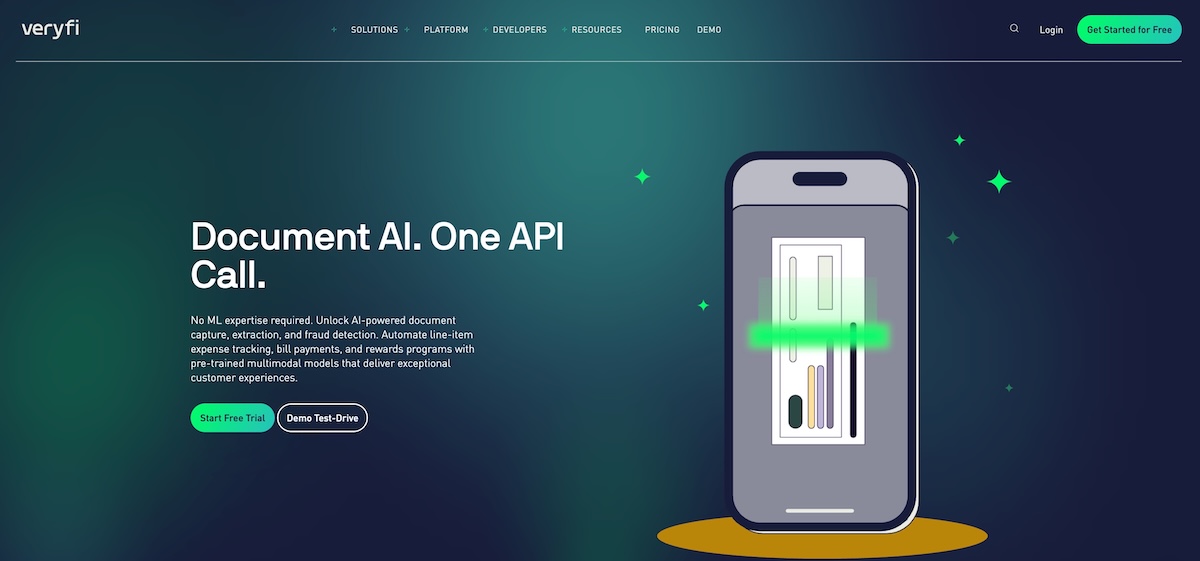
Veryfi is known to consistently deliver the most accurate receipt scanning available without relying on human reviewers to double-check extractions. The company claims 99%+ accuracy using a proprietary AI system that combines multiple machine learning approaches, and user reviews generally back this up.
On G2, a reviewer noted that the OCR captures information correctly in 99% of scans, while another highlighted that processing takes under 30 seconds, compared to minutes in other apps.
Veryfi clearly stands out in the depth of data it extracts. With Veryfi, you can extract full line-item details, including individual product descriptions, quantities, and unit prices. It also handles complex documents, such as itemized hotel bills, which trip up most competitors.
The platform supports 91 currencies and 38 languages, making it one of the strongest options for businesses with international receipts.
Veryfi also includes fraud detection that flags AI-generated or manipulated receipt images, a feature that's becoming increasingly relevant as image-generation tools improve.
The main limitation is cost. Veryfi is built for businesses that process enough receipts to justify the premium, or that need the accuracy and line-item extraction for compliance reasons. There's no free tier for ongoing use, though the company offers API access for developers building custom integrations.
Pricing: Starts at $19.99 per user per month
Best for: Highest scanning accuracy without human verification
2. Dext
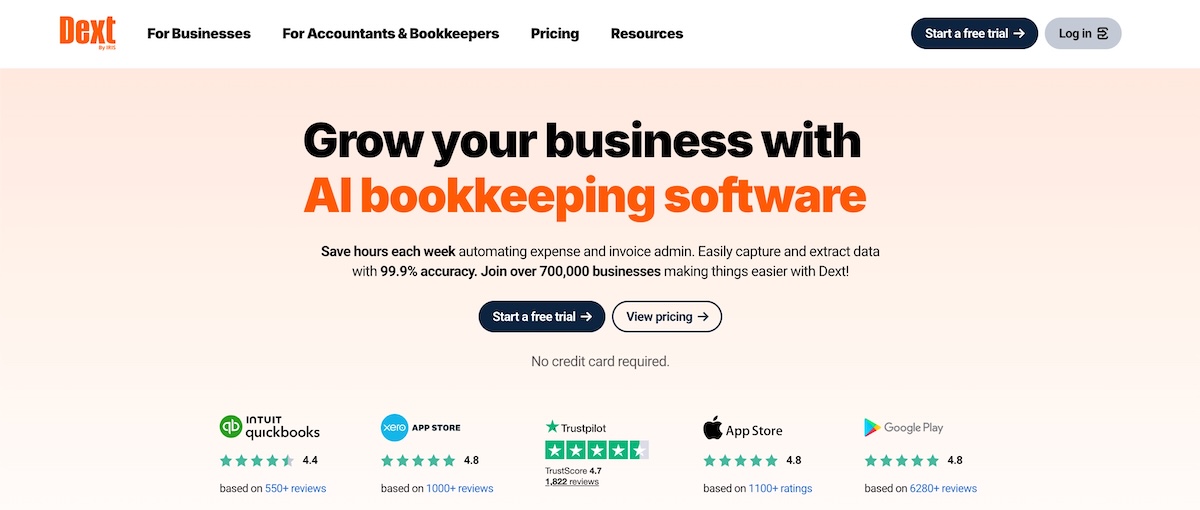
Dext (formerly Receipt Bank) is one of the most established receipt scanning apps that processes over 320 million documents annually. The company claims 99.9% data extraction accuracy, and it's particularly strong at handling the kinds of receipts that trip up other scanners, like crumpled paper, faded prints, and handwritten notes.
The platform uses image preprocessing to clean photos before extraction, which helps it recover data from damaged or low-quality receipts. Dext also offers multiple ways to submit receipts beyond the mobile app, including email forwarding, a dedicated fetch feature that pulls receipts automatically from over 1,400 suppliers, and even WhatsApp submission.
Dext provides line-item extraction with automatic category assignment, breaking down individual items and assigning them to expense categories. This feature alone saves businesses significant time when they need detailed expense tracking.
Dext also integrates directly with QuickBooks, Xero, and Sage, and it's widely used by accountants managing books for multiple clients.
The main drawback is pricing, which can feel steep for small businesses or solo operators. The Starter plan limits you to 300 documents per month, which may not be enough for businesses with high receipt volume.
Pricing: Starts at $27/month
Best for: High-volume businesses needing line-item extraction
3. Expensify
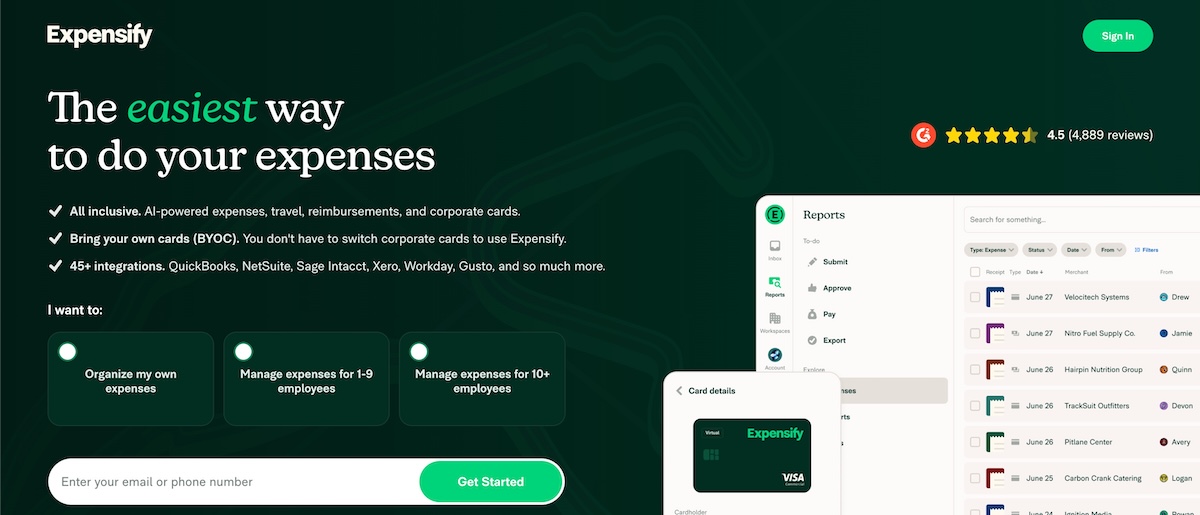
Expensify takes a different approach to scanning receipts than fully automated scanners. It uses a proprietary SmartScan technology that combines OCR with human verification when the system's confidence is low, which helps it achieve 98.6-99% accuracy on real-world receipts.
The company openly acknowledges that even the best OCR only gets receipts right about 85% of the time under normal conditions, which is why they built a human review network as a backstop.
This hybrid approach makes Expensify particularly reliable for difficult receipts, such as crumpled paper, faded thermal prints, and handwritten tips. The system also automatically matches scanned receipts to bank and credit card transactions, which helps to reduce duplicate entries and makes reconciliation faster.
Beyond scanning, Expensify is built around expense reporting and approval workflows. Employees can submit receipts, managers can approve expenses, and the whole process flows into your accounting software. This makes it a stronger fit for teams than for solo operators who just need basic receipt capture.
The platform supports over 150 currencies and integrates with QuickBooks, Xero, NetSuite, and Sage. The mobile app is well-reviewed, and the interface is more polished than many competitors.
They also have a free tier that includes 25 SmartScans per month, which is enough for light use but runs out quickly for active businesses.
Pricing: $5/member/month for unlimited
Best for: Teams needing expense reports and approval workflows
4. Zoho Expense
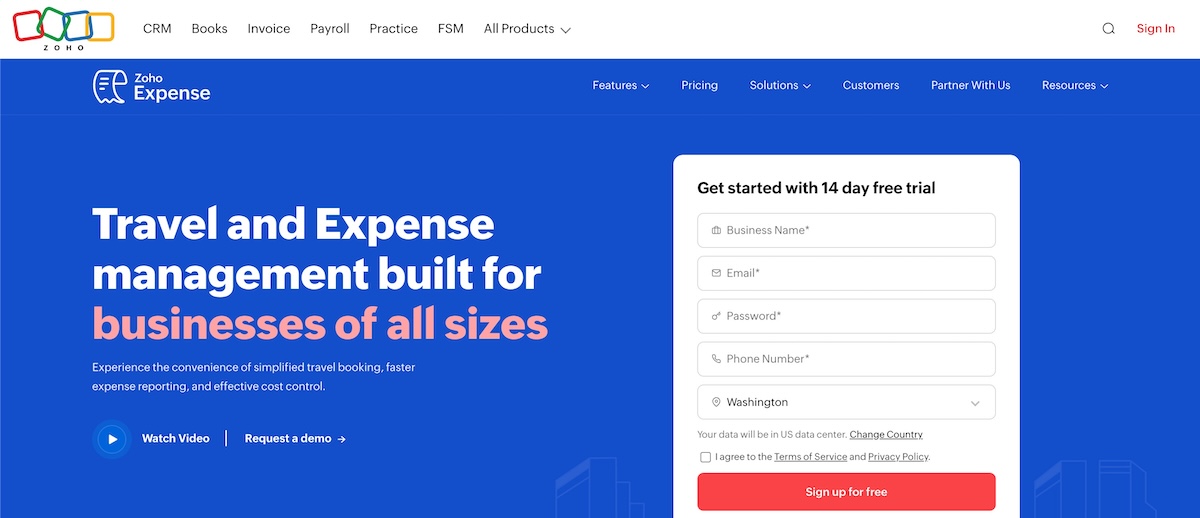
Zoho Expense provides strong scanning accuracy at a price point that undercuts most competitors. The platform claims 95%+ field-level accuracy using AI-powered autoscan, and reviewers on G2 consistently praise how well it handles receipt extraction without manual corrections.
The standout feature for small businesses with international operations is language support. While most receipt scanners focus primarily on English, which creates problems for businesses dealing with overseas vendors or travel receipts from non-English-speaking countries, Zoho Expense recognizes receipts in over 14 languages, including French, Spanish, German, Chinese, Russian, and Thai.
Zoho also integrates with Fujitsu ScanSnap hardware for bulk scanning at up to 40 pages per minute, with automatic size detection and blank page removal. This makes it a solid option for businesses with paper receipt backlogs that need to digitize them quickly.
The platform integrates seamlessly with the broader Zoho ecosystem, connecting with Zoho Books, Zoho CRM, and other Zoho products. It also integrates with QuickBooks and Xero for businesses that don't use Zoho's accounting tools.
The main limitation is that some advanced features require higher-tier plans, and the interface can feel cluttered if you're only using it for receipt scanning rather than full expense management.
Pricing: Free for up to 3 users; paid plans start at $4/user/month
Best for: Budget-conscious teams with international receipts
5. Shoeboxed
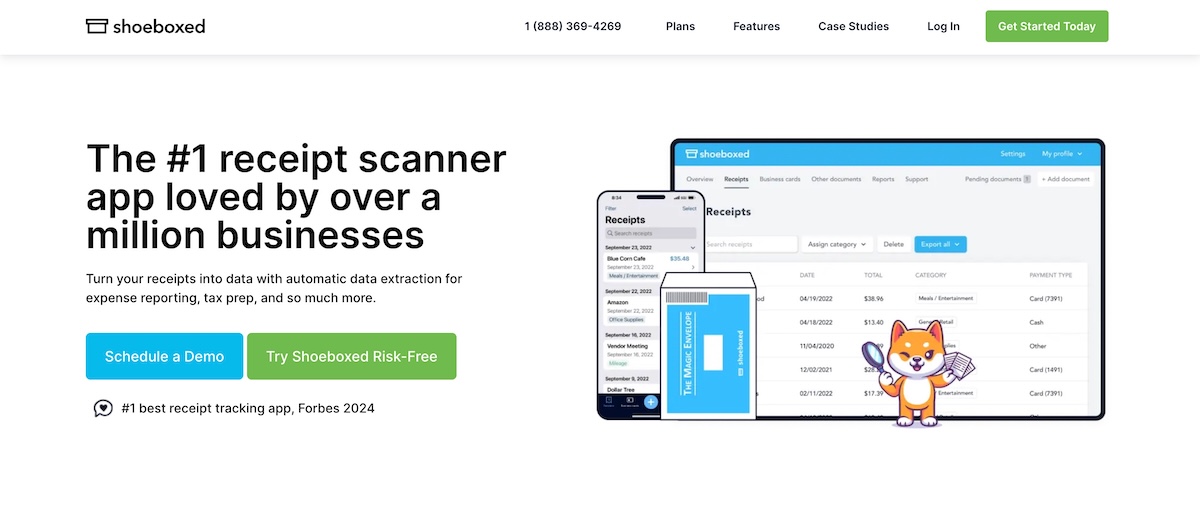
Shoeboxed combines OCR technology with human verification specialists who review every scan to deliver near-perfect accuracy, but at the cost of processing speed. Depending on your plan, receipts can take 1-5 days to process, rather than the seconds or minutes most automated scanners need.
Shoeboxed reports 91% success rates with faded thermal paper, a scenario where fully automated OCR typically fails. If you're dealing with older receipts that have already started to fade, or you've accumulated a backlog of paper receipts that need digitizing, the slower human-verified approach will capture data that automated systems would miss.
Shoeboxed's most distinctive feature is the Magic Envelope mail-in service. You receive prepaid envelopes, stuff them with paper receipts, drop them in the mail, and receive digitized, IRS-compliant records back. No other major receipt scanner offers this, and it's genuinely useful for businesses drowning in paper but short on time to scan everything manually.
The platform integrates with QuickBooks, Xero, and Wave, and exports to Excel and PDF for tax preparation. App Store reviewers rate it highly, with several noting they'd give it more than five stars if they could.
The free tier is limited to just 5 manual e-receipts per month, which isn't really usable for ongoing receipt tracking. Paid plans open up the full feature set but start higher than some competitors.
Pricing: Starts at $15-18/month for 100 documents
Best for: Paper receipt backlogs and mail-in scanning
6. Receipt Bot
Receipt Bot takes a similar approach to Shoeboxed, combining AI extraction with human verification by qualified staff. The company claims 99.9% accuracy, and user reviews on G2 suggest this holds up particularly well for bank statements and handwritten receipts.
The platform uses Intelligent Character Recognition (ICR) alongside standard OCR, which allows it to read handwritten text rather than just printed characters. This makes it one of the few options that can reliably capture handwritten notes, tips, and annotations that other scanners ignore or misread.
Receipt Bot also handles bank statement digitization, runs over 40 arithmetic and logical accuracy checks, and automatically separates accounting data from non-accounting information.
The pricing model uses credits rather than flat monthly fees, which gives flexibility for businesses with variable receipt volumes. Credits roll over for up to six months, so you're not losing unused scans at the end of each month.
All paid plans include unlimited users and unlimited business entities, which is attractive for accountants and bookkeepers managing multiple clients through the Practice Manager feature.
Receipt Bot integrates with Xero, QuickBooks Online, Sage, and FreeAgent, with exports available to Excel and CSV in customizable formats. The main limitation is English-language documents only, which rules it out for businesses with international receipts.
Pricing: Paid plans start at $9/month for 45 receipts
Best for: Accountants and bookkeepers managing multiple clients
7. QuickBooks
QuickBooks includes receipt scanning across all its plans, which makes it convenient for the millions of small businesses already using the platform for accounting. You can snap a photo of a receipt in the mobile app, and QuickBooks will extract the basic data and attempt to match it to existing transactions.
If you're already in QuickBooks for invoicing, expense tracking, and tax prep, having receipt scanning built in means one less tool to manage and no additional integrations to set up.
However, scanning quality is where QuickBooks falls short compared to dedicated receipt apps. The app sometimes captures countertops as part of the receipt image, produces low-quality black-and-white scans, and occasionally only captures corners of receipts rather than the full document. The OCR itself struggles with faded or crumpled receipts that dedicated scanners handle without issue.
For businesses with simple, clean receipts and modest volume, the built-in scanning works fine. For anything more demanding, many QuickBooks users end up pairing it with a dedicated scanner like Dext or Shoeboxed for better capture quality while keeping QuickBooks as the accounting backbone.
QuickBooks integrates with most major receipt scanning apps, so you're not locked into using its native scanning if it doesn't meet your needs.
Pricing: Included with QuickBooks plans starting at $35/month
Best for: Existing QuickBooks users with simple receipt needs
8. Neat
Neat started as a hardware company selling dedicated receipt scanners before pivoting to software, and that heritage shows in how well the platform works with physical scanning equipment.
If your business uses a desktop scanner from Fujitsu, Canon, or Brother, Neat integrates directly through the TWAIN standard, making it a strong choice for high-volume paper receipt processing.
The company claims 99% accuracy with its patented OCR technology. It performs particularly well on clean, printed receipts fed through a dedicated scanner, though it handles mobile phone captures reasonably well, too.
Neat connects to over 10,000 financial institutions to automatically match receipts, pulling in transaction data and linking it to scanned receipts without manual entry. This reconciliation feature saves time for businesses that want their receipt images tied directly to bank and credit card transactions.
The platform integrates with QuickBooks but lacks Xero support. The interface also feels dated compared to newer competitors.
Pricing is annual only, with no monthly option, which requires more commitment upfront than most alternatives. There's no free tier beyond a trial period.
Pricing: $200/year, annual billing only
Best for: Businesses with dedicated scanning hardware
9. Wave
Wave offers free accounting software for small businesses, with receipt scanning available as an $8/month add-on or included free in the $16/month Pro plan. For freelancers and solopreneurs, Wave is probably the most affordable way to get receipt scanning alongside real accounting functionality.
The scanning itself is basic but functional. Wave's OCR extracts merchant, date, and total from standard receipts, and the app works offline with automatic syncing when you're back online. This offline capability is useful for field workers or anyone frequently scanning receipts without reliable internet access.
Wave struggles with difficult receipts, such as crumpled paper, faded thermal prints, and complex formatting, and requires good lighting to capture photos. The platform supports English only and has limited multi-currency capability, which rules it out for businesses with international operations.
Wave doesn't offer line-item extraction or the advanced OCR that premium scanners provide. You're getting a basic capture tool that works fine for simple receipts but requires more manual correction than higher-tier options.
If you need invoicing, expense tracking, and financial reports without paying for QuickBooks or Xero, Wave delivers, and receipt scanning is a reasonable add-on rather than a standalone product.
Pricing: $8/month add-on, or included in $16/month Pro plan
Best for: Freelancers wanting free accounting with basic scanning
10. FreshBooks
FreshBooks includes receipt scanning on its Plus and Premium plans, making it accessible for service businesses and freelancers who already use the platform for invoicing and time tracking.
FreshBooks uses Sensibill for OCR processing, which handles standard receipts reasonably well but can be inconsistent with more challenging documents. The mobile app lets you capture receipts on the go, and FreshBooks automatically attaches them to expenses and attempts to extract key data.
For businesses primarily using FreshBooks for client invoicing, having receipt capture in the same app simplifies workflow and keeps everything in one place.
However, FreshBooks doesn't match dedicated receipt scanners in terms of extraction quality. The company's own documentation notes that OCR results can be inconsistent, and processing times can stretch to 10 minutes per receipt during busy periods. Line-item extraction requires the Select plan with custom pricing, putting it out of reach for most small businesses.
The Lite plan at $19/month doesn't include receipt scanning, so you need to be on Plus at $33/month to access the feature. At that price point, you could pair a cheaper accounting tool with a dedicated scanner and likely get better results.
FreshBooks integrates with Gusto, Stripe, and various project management tools, and the overall platform is well-designed for service businesses that bill by the hour or by project.
Pricing: Included with Plus ($33/month) and Premium ($60/month) plans; not available on Lite
Best for: Service businesses already using FreshBooks
11. Klippa
Klippa is a Netherlands-based platform that brings European precision to receipt scanning, with a particular focus on fraud detection and regulatory compliance. The company claims up to 99% field-level accuracy using template-free AI that adapts to any receipt format without pre-configuration.
Klippa is known for its fraud detection capabilities. The platform detects duplicate images through hashing, identifies Photoshop manipulation via pixel analysis, validates merchant details against business registries, and cross-references prices against merchant catalogs.
For businesses concerned about expense fraud or needing to demonstrate compliance controls to auditors, these features provide a level of verification that most competitors don't offer.
Klippa supports all Latin alphabets, including Hebrew, in beta, and handles European tax formats, including VAT, which makes it well-suited for businesses operating across EU countries. The platform also meets German GoBD and Spanish AEAT tax compliance requirements on higher-tier plans.
The processing speed on Klippa is really fast at 0.5-4 seconds per receipt. The platform integrates with QuickBooks, Xero, SAP Business One, and NetSuite. They also offers an API for custom integrations through its DocHorizon product.
The main limitation for US-based businesses is that Klippa's strengths are better suited to European compliance needs. The pricing is also in Euros, and support resources skew toward European time zones and regulations.
Pricing: Starts at €5/user/month (~$5.50 USD)
Best for: European businesses needing fraud detection and compliance
12. Foreceipt
Foreceipt targets freelancers and solopreneurs who find even $5/month tools excessive. The app claims 99% scanning accuracy, and user reviews on both iOS and Android suggest it reliably captures merchant, date, and total from standard receipts, even when the print is fading.
The free tier provides 100 total receipts with 12-month retention, which is genuinely usable for light expense tracking, unlike the token-free plans many competitors offer.
The Individual plan at $5/month bumps capacity to 200 receipts monthly with 7-year retention, and the Business tier at $12/month unlocks unlimited receipts and QuickBooks Online integration.
Foreceipt's standout feature is its alignment with IRS and CRA tax categories. Expense summaries match the exact categories required for US and Canadian tax filings, simplifying year-end preparation.
The app also offers a dedicated email address for forwarding digital receipts and supports recurring expense automation for regular bills and subscriptions.
The main limitations are integration gaps and occasional delays. Foreceipt doesn't connect with Xero or FreshBooks, and processing times can stretch to 24 hours or more during peak periods. The OCR also struggles with receipt formats that use comma decimal separators.
Pricing: Free for 100 total receipts; paid plans start at $5/month
Best for: Solo freelancers on a tight budget
Factors to Consider When Choosing a Receipt Scanner App
The right receipt scanner app depends on a few factors specific to your business.
Your receipt volume
If you're scanning fewer than 50 receipts per month, free tiers from Expensify, Wave, or Foreceipt will likely cover your needs without paying anything.
Once you're processing 200+ receipts per month, you'll want unlimited plans from Dext, Veryfi, or Zoho Expense. If you stay on limited tiers at that volume, you'll constantly bump against caps, pay overage fees, or manually ration which receipts to scan.
Your existing accounting software
If you use QuickBooks as your accounting software, you have the most options, since nearly every scanner connects to it. Dext and Shoeboxed offer particularly tight integrations that sync data cleanly without manual exports.
Xero users should look at Receipt Bot, Dext, or Veryfi, all of which offer direct integrations. If you're on FreshBooks or Wave, using their built-in scanning offers the least resistance, even if accuracy isn't best-in-class.
The types of receipts you deal with
Receipt types affect which scanner will actually work for you. Almost any app can handle most digital receipts from online purchases since the text is clean and consistent.
However, if you are constantly processing paper receipts from retail and restaurants, you need an app with really good image processing capabilities. Tools like Expensify and Veryfi handle these reliably as they can capture data even from crumpled or partially faded documents with very high accuracy.
If you have a backlog of old, faded thermal receipts, Shoeboxed's human verification or Receipt Bot's ICR technology will recover data that fully automated systems miss.
For international receipts in multiple languages, Zoho Expense, Klippa, or Veryfi are your realistic options since most other scanners focus primarily on English.
Your accuracy requirements
If you're tracking expenses loosely for general awareness, cheaper scanners with 85-90% accuracy work fine. You'll make occasional corrections, but the time spent is manageable.
If your books feed into investor reports, tax filings with audit risk, or lender requirements, you should spend on apps that provide high accuracy. This is because the errors in receipt data compound through your financial records, and cleaning them up later costs more than getting it right the first time.
The premium accuracy from Veryfi or Dext pays for itself in reduced errors and corrections.
Conclusion
The gap between a mediocre scanner and a good one shows up directly in how much time you spend on manual corrections and how clean your financial records turn out to be. Small businesses lose legitimate tax deductions every year because receipts aren't properly captured.
The receipt scanner you choose determines whether receipt management becomes a five-second task or a recurring source of frustration. Getting this decision right means fewer hours spent on manual corrections, cleaner books at tax time, and one less administrative headache competing for your attention.
For most small businesses, spending $15-30 monthly on a reliable scanner like Dext, Expensify, or Zoho Expense is worth it. The time saved on data entry and error correction typically pays back the subscription cost within the first month.
If budget is the primary constraint, Foreceipt and Wave offer workable options at lower price points, with the understanding that you'll do more manual cleanup.